Fitcker
- Set up your routine on your iPhone and add the exercises you want to do.
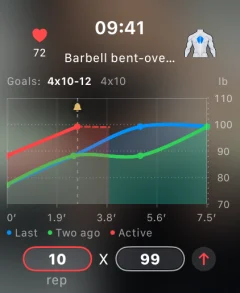
- Open the routine on Apple Watch and select the exercise you’re doing. If you’ve logged it before, check your sets from the previous session as a starting point.
- After a set, enter the weight and reps and save it. Repeat for each set so you can compare your numbers next time.