 Fitcker
Pick up where you left off
Before you start, check what weight you used and how many reps you did last time.
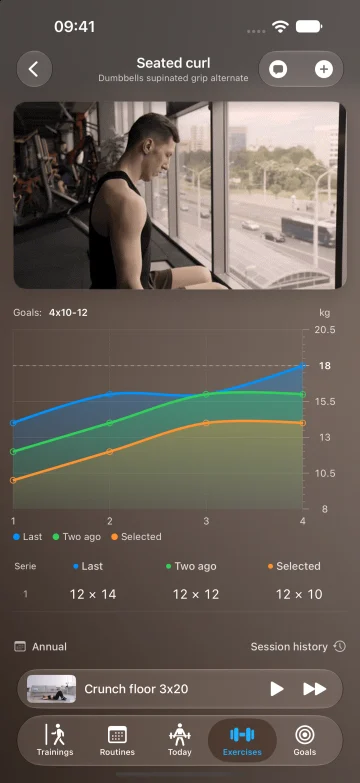
Log every set, see what you lifted last time, and aim for a new personal best.
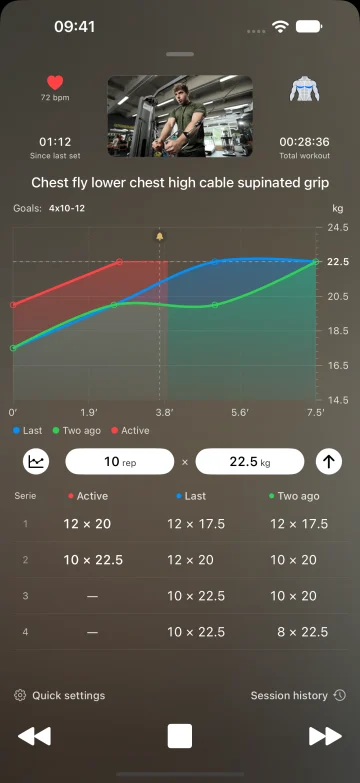
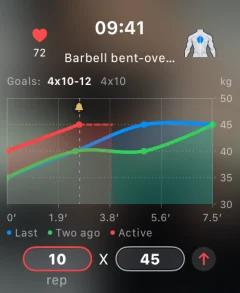
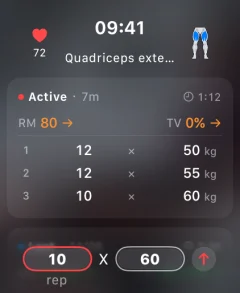
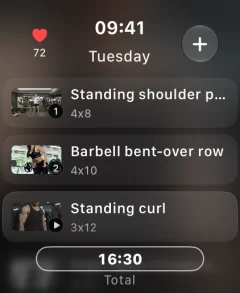
Check what you did last time, log today's sets, and keep going from your Apple Watch.
Before you start, check what weight you used and how many reps you did last time.
Record each set as you finish it or save them all at the end of the exercise.
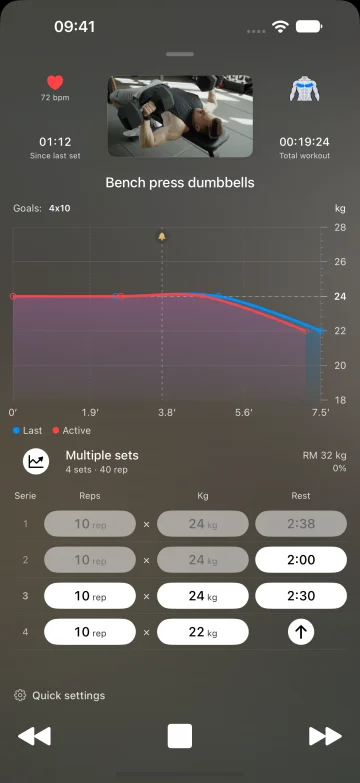
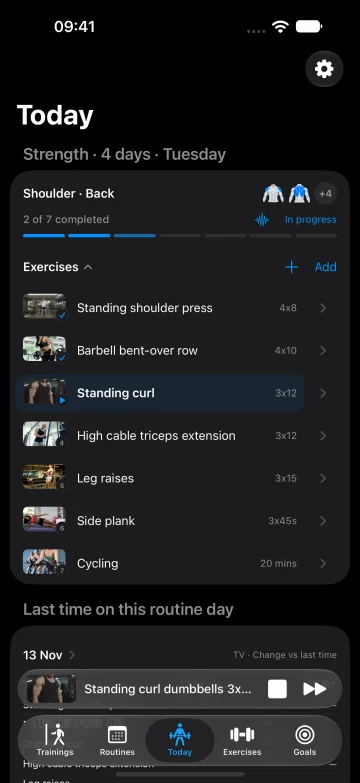
See which exercises are coming up and which you've already done.
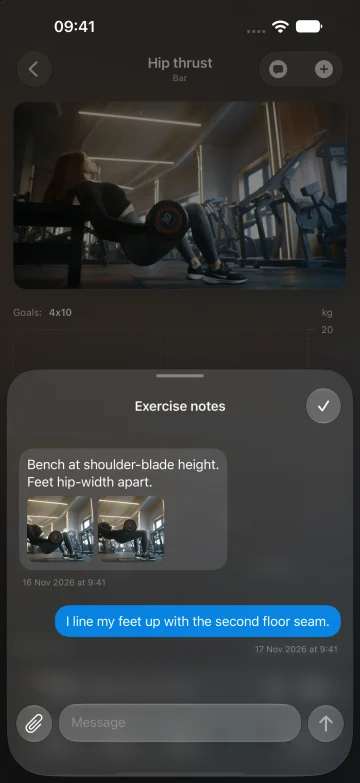
Save your machine settings or take a photo to refer to next time.
Log weight and reps from your wrist, with your iPhone in your pocket.
How to record workout sets on Apple Watch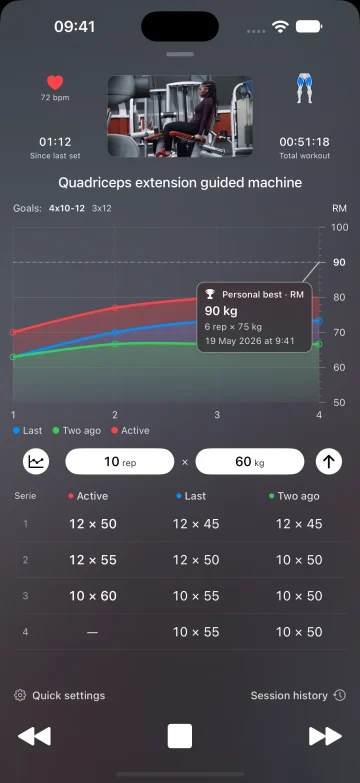
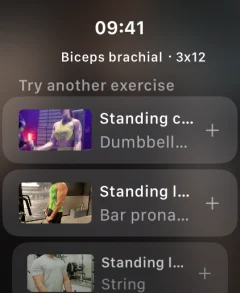
If the machine is taken, swap in another exercise from your Apple Watch in a few taps.
See what you lifted and how many reps you did today or in a previous workout.
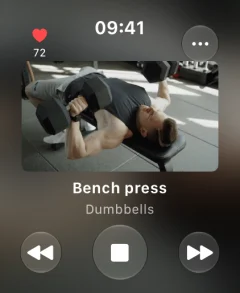
Watch the exercise demo on your wrist before your first rep.
Features
Capture sets as you go or save them all when you finish the exercise.
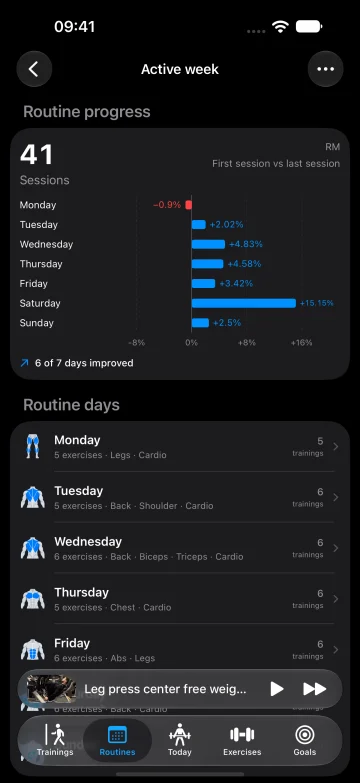
Pick which exercises to do each day and how many sets to complete.
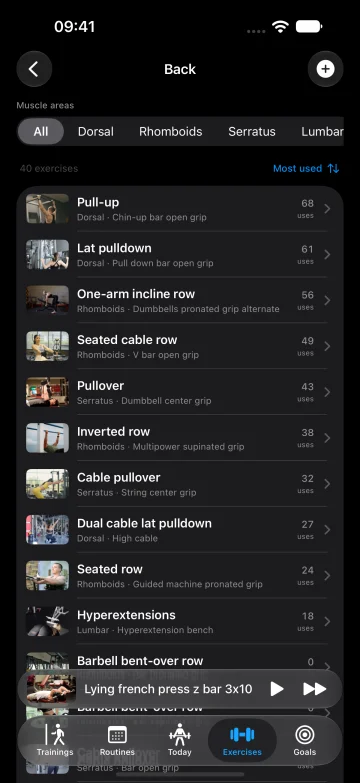
Find the move you need among over 150 exercises and variations, by muscle group or equipment.
See which days you worked out and how much time you spent training. They're two of the many charts in Fitcker.
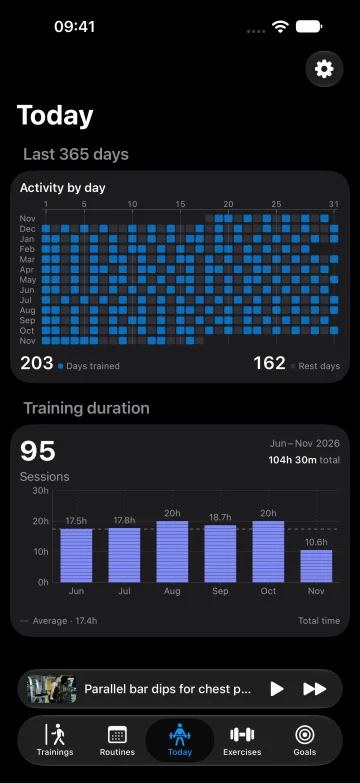
See what's on for today and get on with your workout.
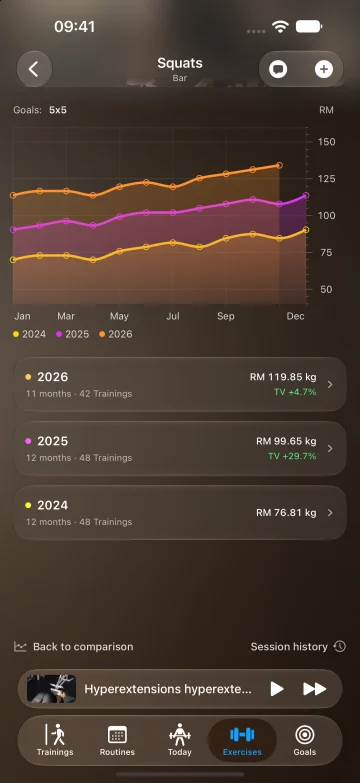
See when you set a personal best and the weight and reps you logged in that set.
Compare the same exercise across years and see how your weight and reps have changed.
Log sets even without a signal. Fitcker saves them on your iPhone.
Turn on iCloud to access your routines and workouts on your devices.
With your permission, Fitcker saves strength and cardio workouts to Apple Health.
Find an exercise for the muscle you want to work or the equipment you have.
Pricing
Log workouts and use your Apple Watch with the free version.
£0
£1.99
One-time purchase · UK App Store
Prices may vary by country. See the App Store.
You can save plenty of routines and switch between them whenever you like. Keep one for the gym, one for home, and save older plans to come back to later.
Yes. Add your own exercises to the library and use them in your routines. That can be a variation you do on a specific machine at your gym.
Yes. The routine assistant suggests training days and exercises based on your preferences. Review the plan, save it, and adjust it as you train.
Yes. Record time and distance for cardio, reps for bodyweight exercises, or how long you held a plank. It all goes into the same journal.
You can use Fitcker with your iPhone alone. If you have an Apple Watch, you can also log weight and reps from your wrist.
Yes. One purchase can be shared with your Apple Family Sharing group. The purchaser and the relatives using the purchase need Purchase Sharing turned on. Each person keeps their own Apple Account and workout history.
If you had iCloud sync turned on, sign in to the same Apple Account on the new iPhone to get your workouts back. You can also create a backup in Fitcker and restore it on the new iPhone.